Events & trade shows
Create attention-grabbing branded walls, product stories and directional experiences across flexible stands.
 Display52
Display52 premium add-on
DISPLAY52 PLAYER-XPlayer-X gives event teams a focused way to build, map and run coordinated content across custom multi-screen layouts—without treating every display as a separate creative job.
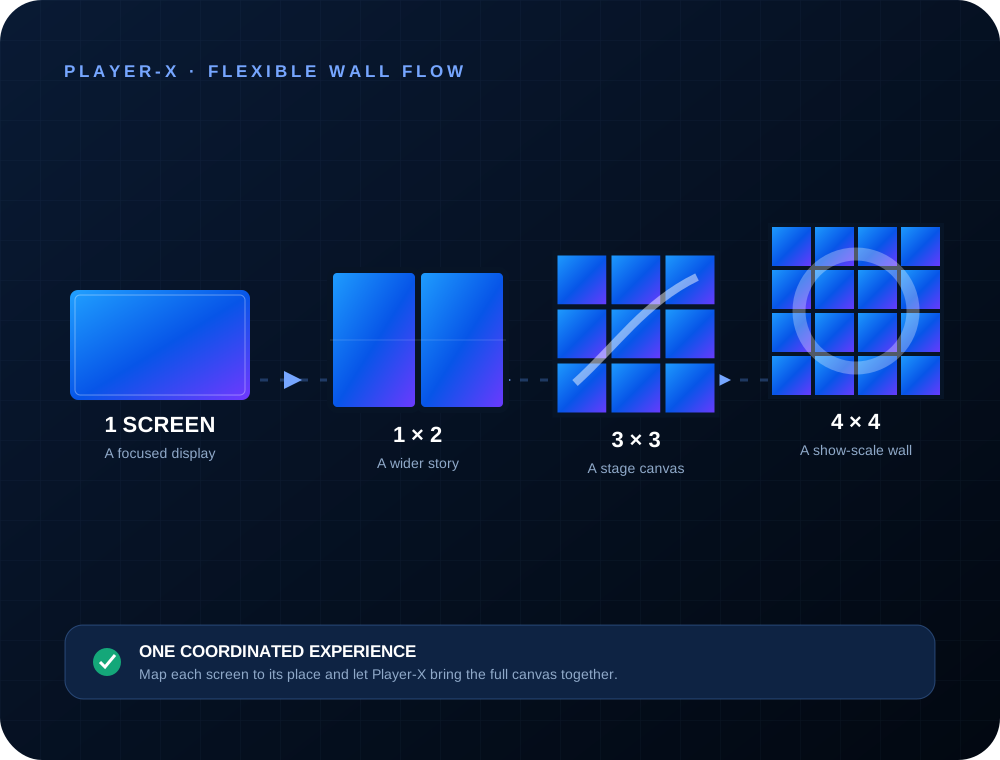
Designed for ambitious spaces
From a two-screen information point to a large stage canvas, Player-X brings the displays together as a purposeful visual system. Define the wall, prepare the content and let each connected player show its part of the wider composition.
Create attention-grabbing branded walls, product stories and directional experiences across flexible stands.
Build a joined-up visual backdrop for keynotes, panels, launches and live presentation moments.
Adapt the canvas to unusual screen groupings for TED-style talks, installations and pop-up spaces.
Player-X capabilities
Player-X extends the Display52 workflow with the tools needed to organise screens as one coordinated destination.
Configure common grids such as 1×2, 3×3 and 4×4, or plan a custom arrangement for the space.
Design for the whole wall so content can flow naturally across its combined display area.
Assign each Player-X display to its correct position in the layout for a joined-up result.
Use the familiar Display52 environment to organise media and manage the experience centrally.
Run the Player-X view on the matched screens and keep the wall focused on the scheduled show.
Talk to Display52 about your venue, screen count, content plan and the best route to a demonstration.
How it comes together
Talk to Display52
Tell us about your event, venue, screen layout and content goals. We’ll discuss how Player-X could fit the project and arrange a product demonstration.